Windows
Download-SIU · PC
The full engine: up to 4K / 240 FPS, full seasons and lossless audio — everything processed locally on your computer.
Paste a link. Choose a quality. Press download. Download SIU pulls video and audio from 56+ websites in up to 4K / 240 FPS, extracts lossless audio, and can walk an entire series episode by episode — all processed locally on your own PC.
The desktop downloader, the watermark remover and the Android app all share the same SIU account. Tap any of them — the download starts and its page opens so you can see everything it does.
The full engine: up to 4K / 240 FPS, full seasons and lossless audio — everything processed locally on your computer.
Remove watermarks and logos from video with four engines — from instant filters to local AI that rebuilds what was behind the mark. Built into Download-SIU.
The whole downloader on your phone: paste any link, save up to 4K, and send heavy captures to your PC when a site won't cooperate.
Not a browser extension. Not a website that re-encodes your video into mush. A real desktop application with a real encoder behind it.
Paste the address of a video — or of the page it sits on — and get it back in the quality you picked, wrapped in MKV or MP4. Single files, queued batches, or an entire playlist in one pass.
Pull the audio out on its own in MP3, M4A, WAV or FLAC, and set the bitrate and sample rate yourself. Perfect for archiving a music library properly.
Where the site allows it, SIU walks from one episode to the next by itself and grabs the full season. Start it, close the lid, come back to a finished folder.
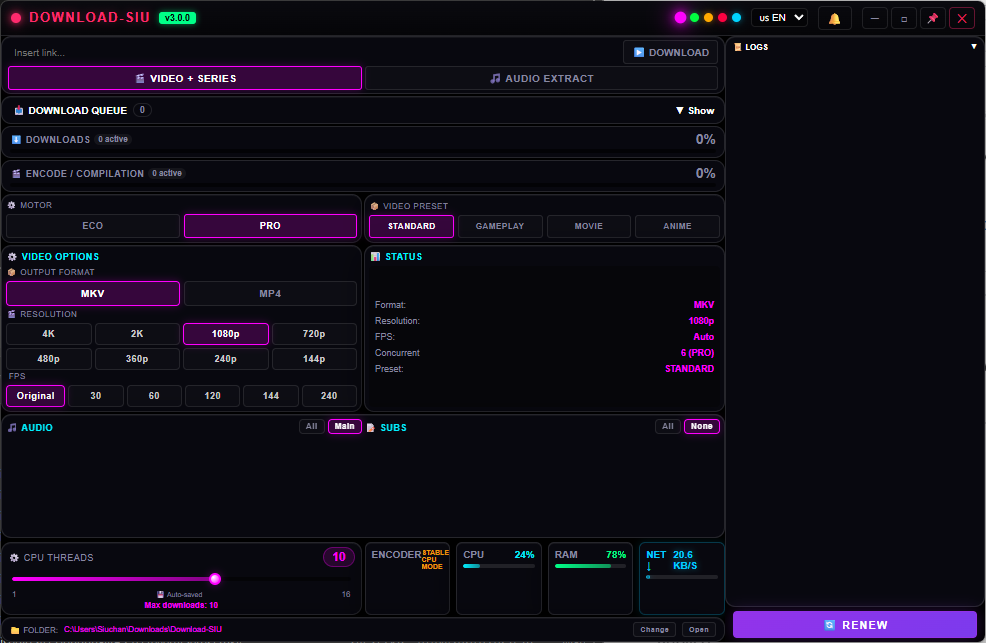
A CPU-thread slider, concurrency limits and live CPU / RAM / network meters let you decide how much of your machine the encoder is allowed to take.
URLs are resolved locally by the bundled yt-dlp and FFmpeg. We never receive the links you paste, and we never log what you download. Our servers only know your license.
Streaming sites change their players constantly. SIU ships updates continuously to track those changes, and the app checks for new versions on its own — so a site that broke last month is usually working again the next time you open it.
Pair the new Download-SIU Android app with this PC and hand it any link from your phone. When a site won't let a phone grab a video directly, the app sends the link here and your computer captures it at full quality — with the resolution, FPS, format and audio you chose on the phone. One SIU license covers both, and the app shows you the moment the PC is done.
One switch strips the embedded title, author and comment tags from every file the app produces — downloads, converter, WaterClean, Subtitle+AI and Dubbing. A second switch lets you write your own author name, copyright and comment instead. Both are off by default.
Point it at a video or audio file you already have and change its format, resolution, frame rate, codec or bitrate — MP4, MKV, MOV, AVI, WebM, FLAC, WAV, MP3 and more. If the file already matches the container you want, SIU rewraps it in seconds instead of re-encoding. Optional GPU acceleration, batch conversion with saved profiles, and the same metadata switch as the rest of the app.
Switch between them with one click, at any time.
The file exactly as the source has it — just rewrapped into MKV or MP4. No re-encoding, no quality loss, almost no work for your CPU. This is the fastest path from link to finished file, and the one most people should use.
Every knob exposed: resolution, frame rate, container, encoder preset, which audio tracks to keep, which subtitles to burn or embed, how many threads to spend. For when the default is not what you want.
Currently tested and supported on Windows. macOS and Linux builds are in progress.
Right-click the video and copy its address — or just copy the address of the page the video is playing on. Both work.
Drop it into the link field, pick ECO or PRO, and set the quality if you care. Defaults are already sensible.
The queue takes over. Watch the progress bar, or go do something else — the file lands in the folder you chose.
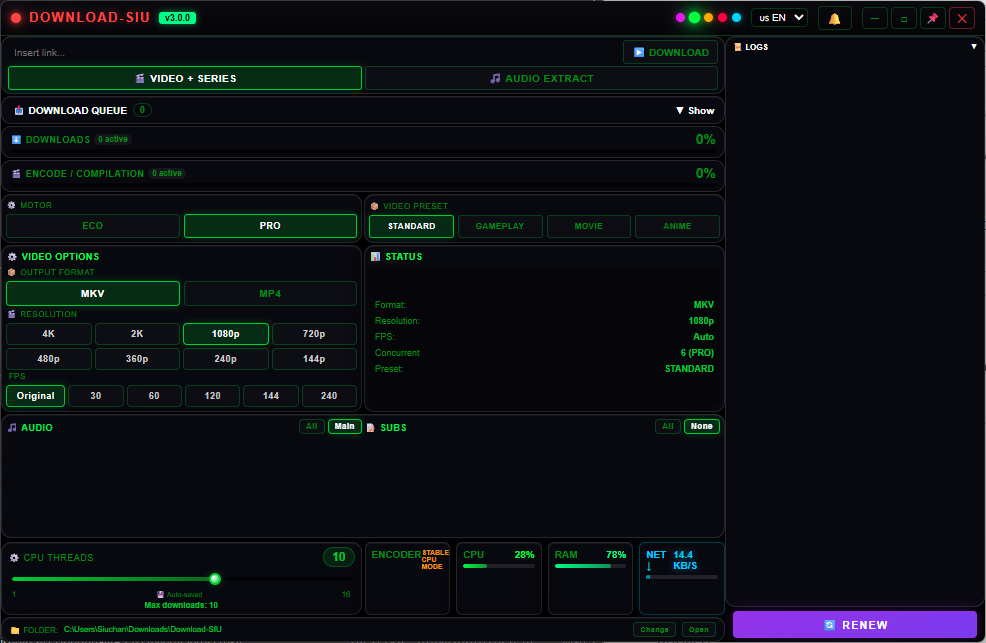
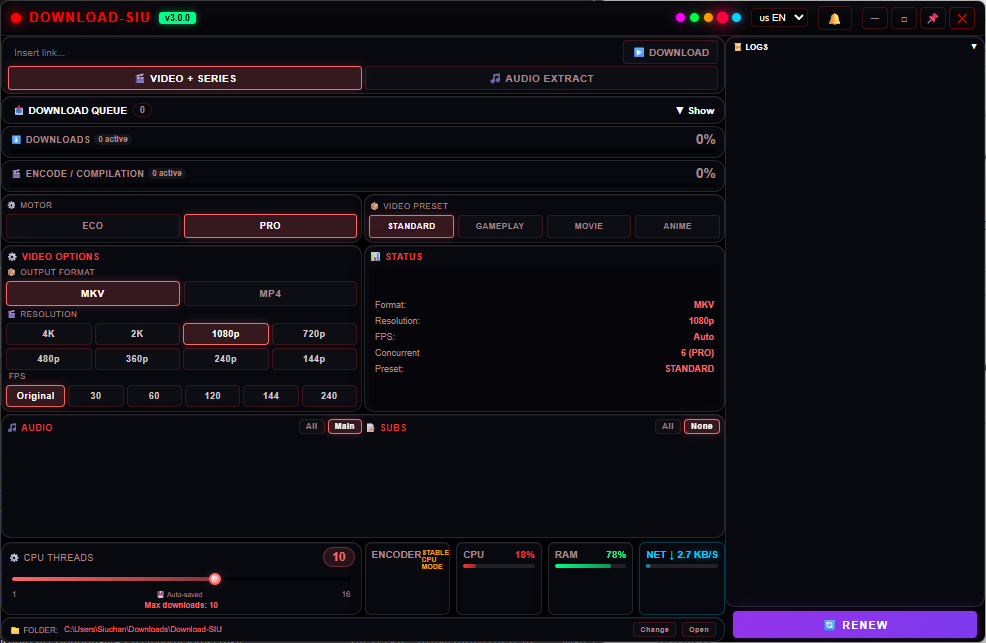
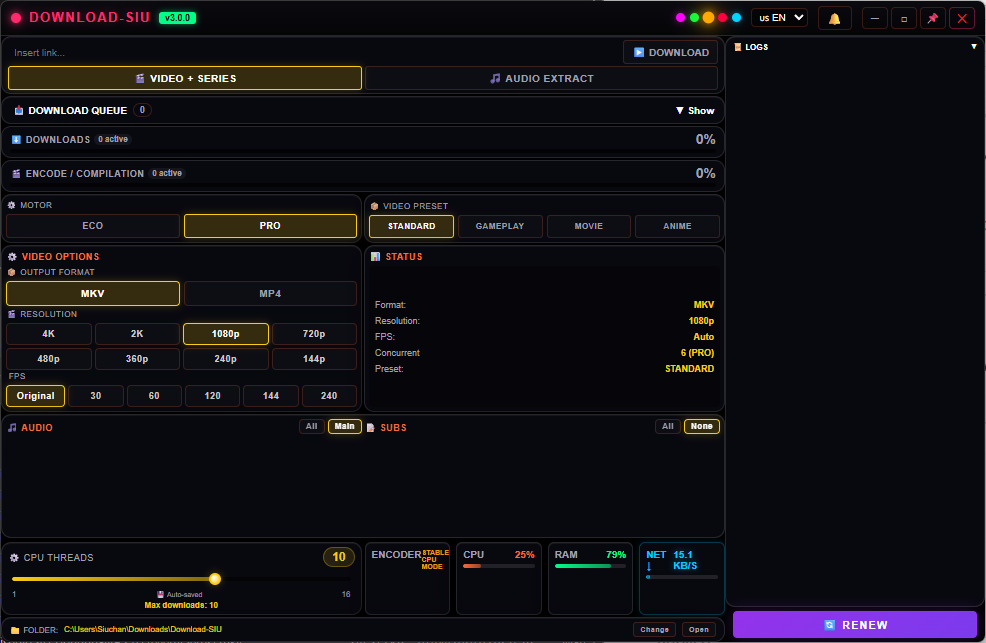
The whole interface re-skins instantly — every panel, meter and button. Pick the one that matches the room you work in.
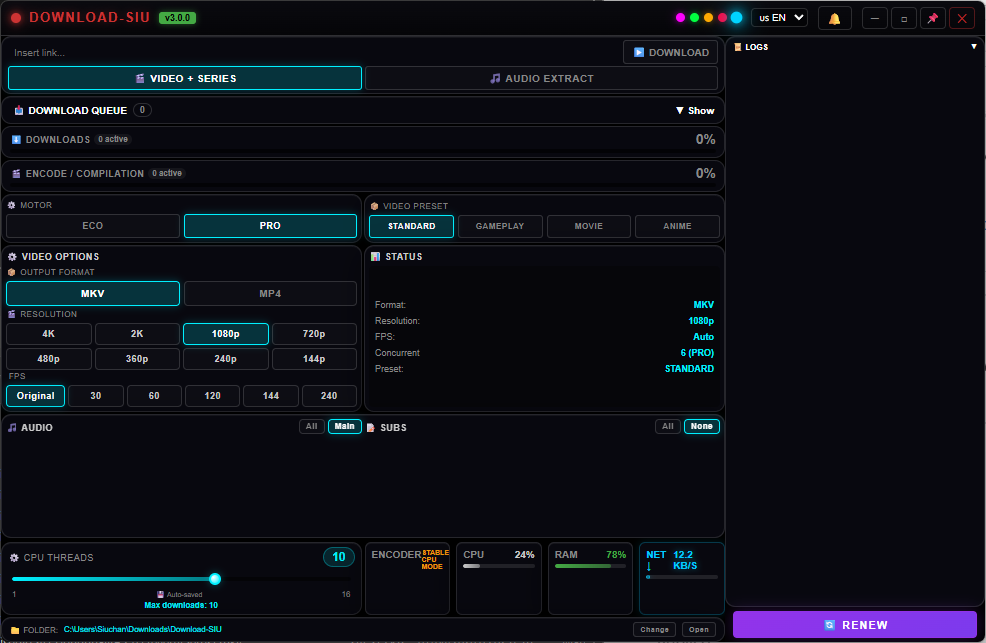
Cold, technical, high contrast. Pure cyberpunk console.
Use the arrows, the thumbnails or your arrow keys. Swipe on touch. It pauses when you hover.
All major cards and wallets, handled end to end by Stripe — Visa, Mastercard, American Express and more. We never see or store your card details.
Yes. Checkout happens entirely on Stripe's PCI-DSS certified infrastructure. Your card number and CVC never touch our servers — we only ever receive a confirmation that the payment succeeded.
Immediately, either way. The free trial is activated from a button inside the app: press it and the 5 days unlock straight away — no form, no email, no card. If you buy a plan, the licence code appears on screen the moment payment is confirmed and a copy is emailed to you automatically.
56 at the time of writing — the ones people and the media actually use. A few require you to be signed in for security reasons, and DRM-protected platforms are deliberately excluded for legal and privacy reasons. The rest are plain copy and paste.
Right-click the video and copy its URL, or simply copy the address of the page it's on. Paste it into SIU and press download. That's the entire workflow.
Yes — each license is bound to a single PC through a 16-character hardware code you'll find in the app under Settings. If you renew while time is still left on your current license, the new time is added on top of what you have. We never reduce time you already paid for.
Install it, run a few downloads, and decide with real files in front of you. If it isn't better than what you're using now, you've lost nothing.
Windows 10 & 11 · macOS and Linux coming soon