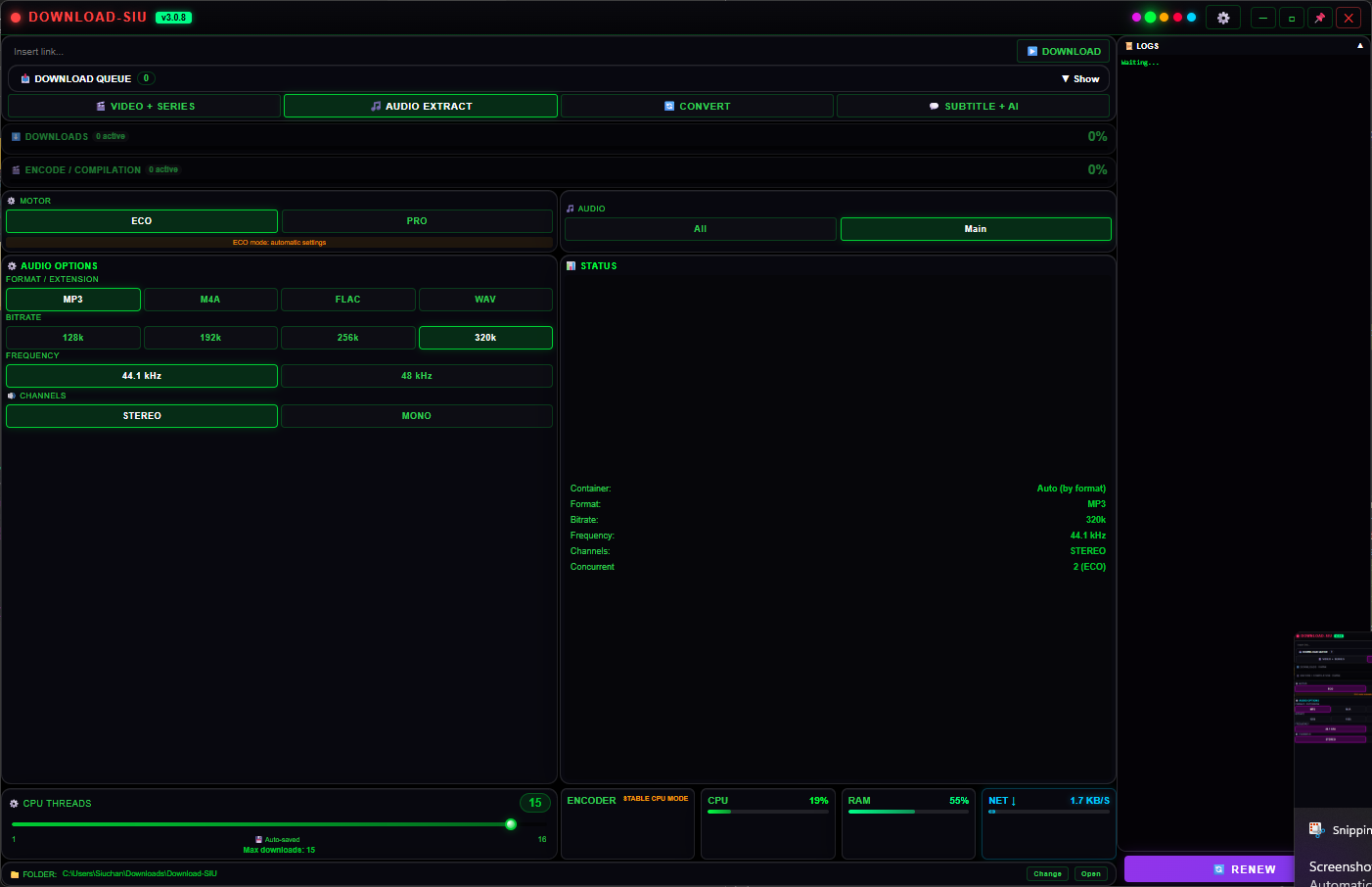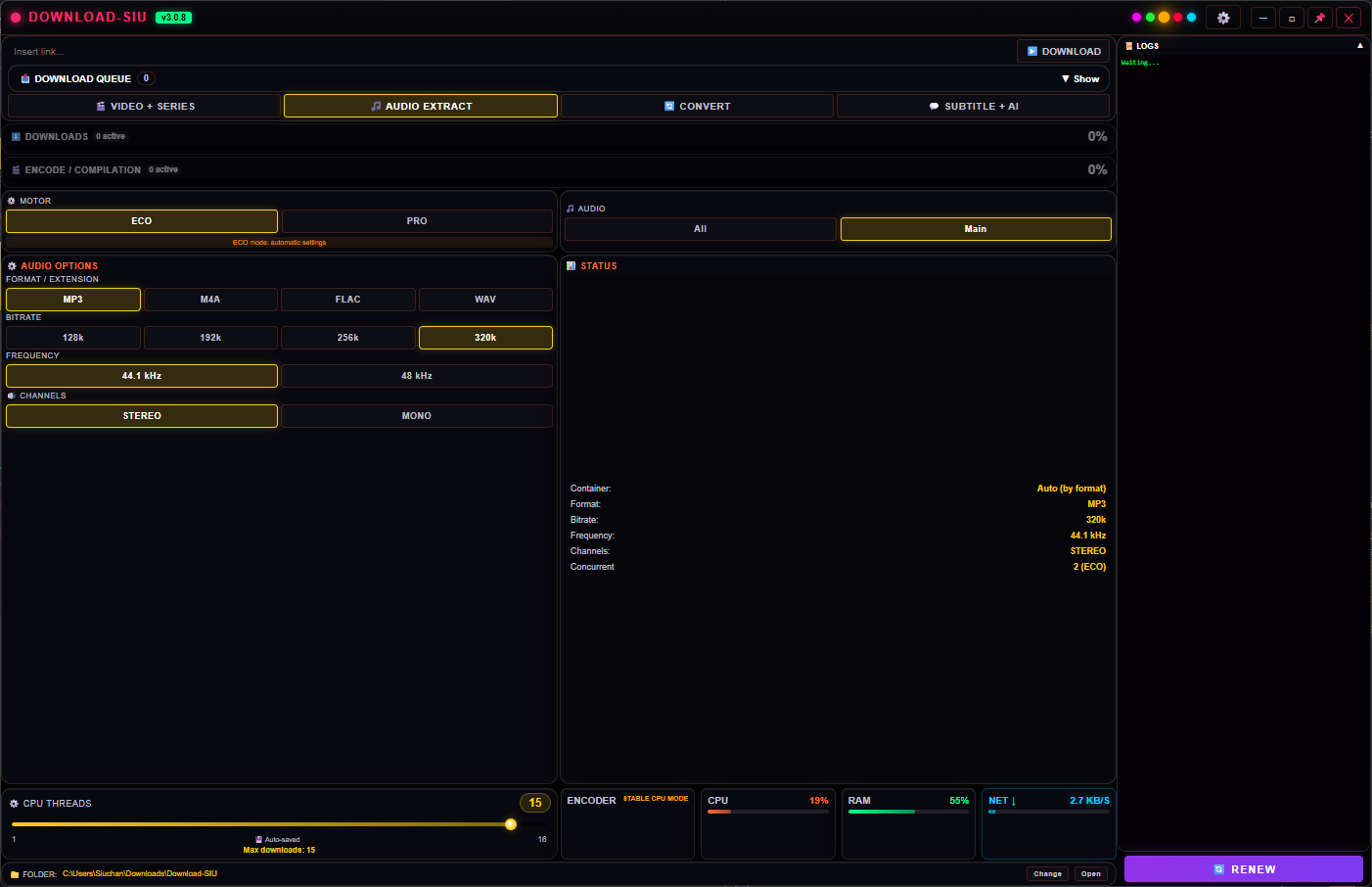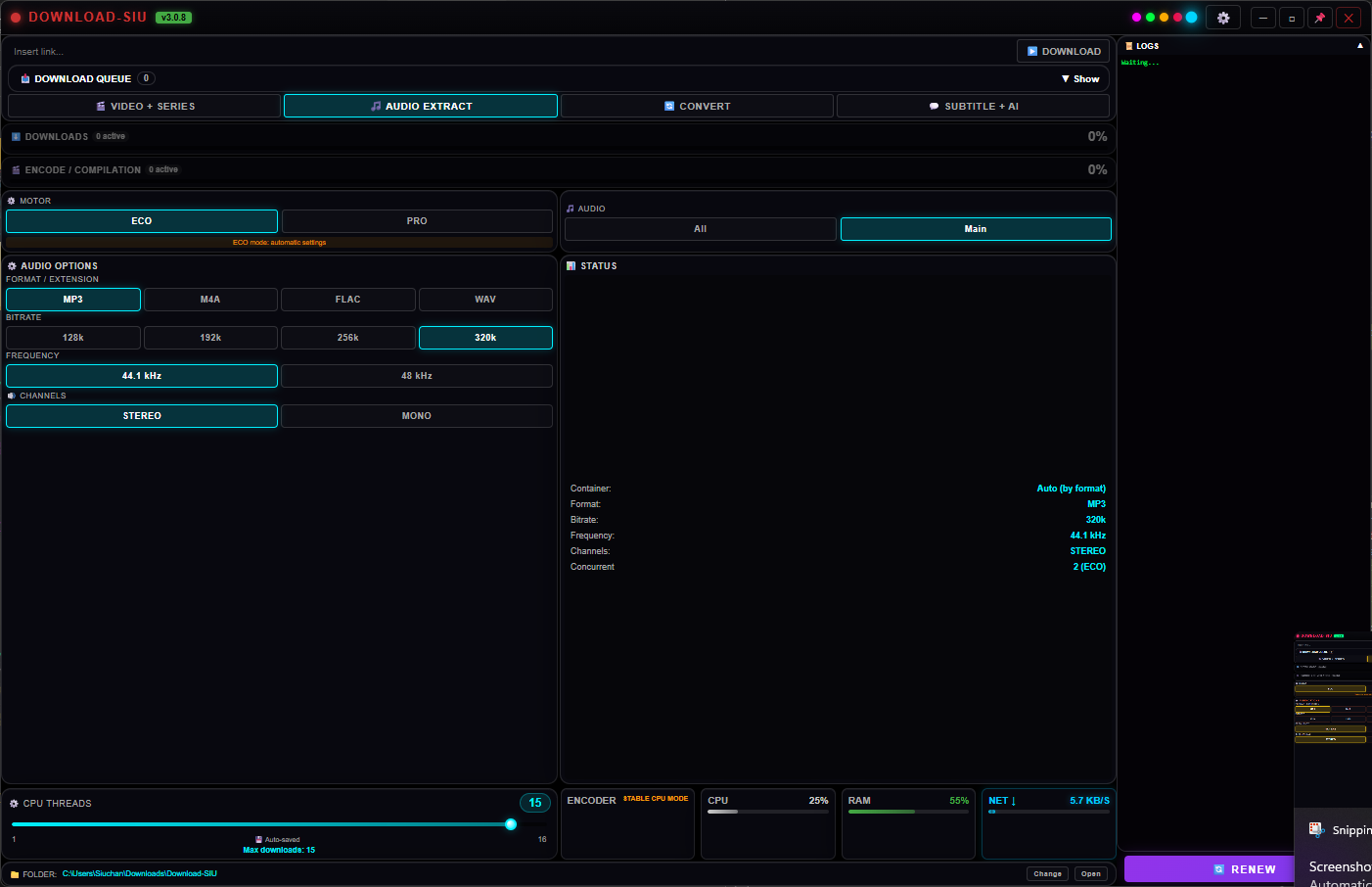
Format & bitrate
MP3, M4A, FLAC or WAV — lossy or lossless
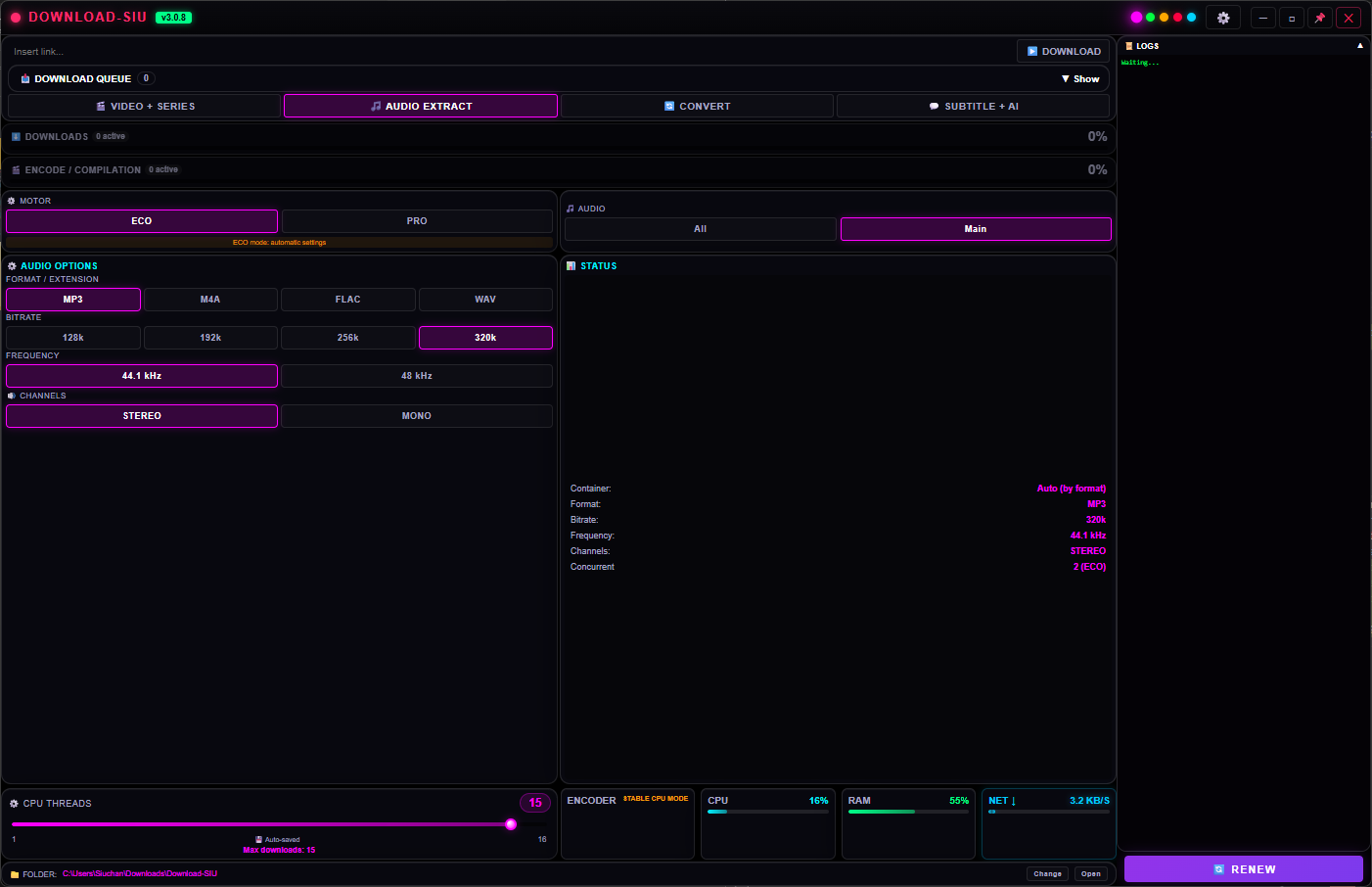
MP3 and M4A at 128 / 192 / 256 / 320 kbps for everyday listening and smaller files; FLAC and WAV when you need the exact source quality with nothing thrown away.
Extract the soundtrack from any video, or pull audio straight off a link, as MP3, M4A, FLAC or WAV — up to 320kbps. Pick the bitrate, sample rate and channels yourself, or leave it on the defaults. Runs on your own PC, several files at once.
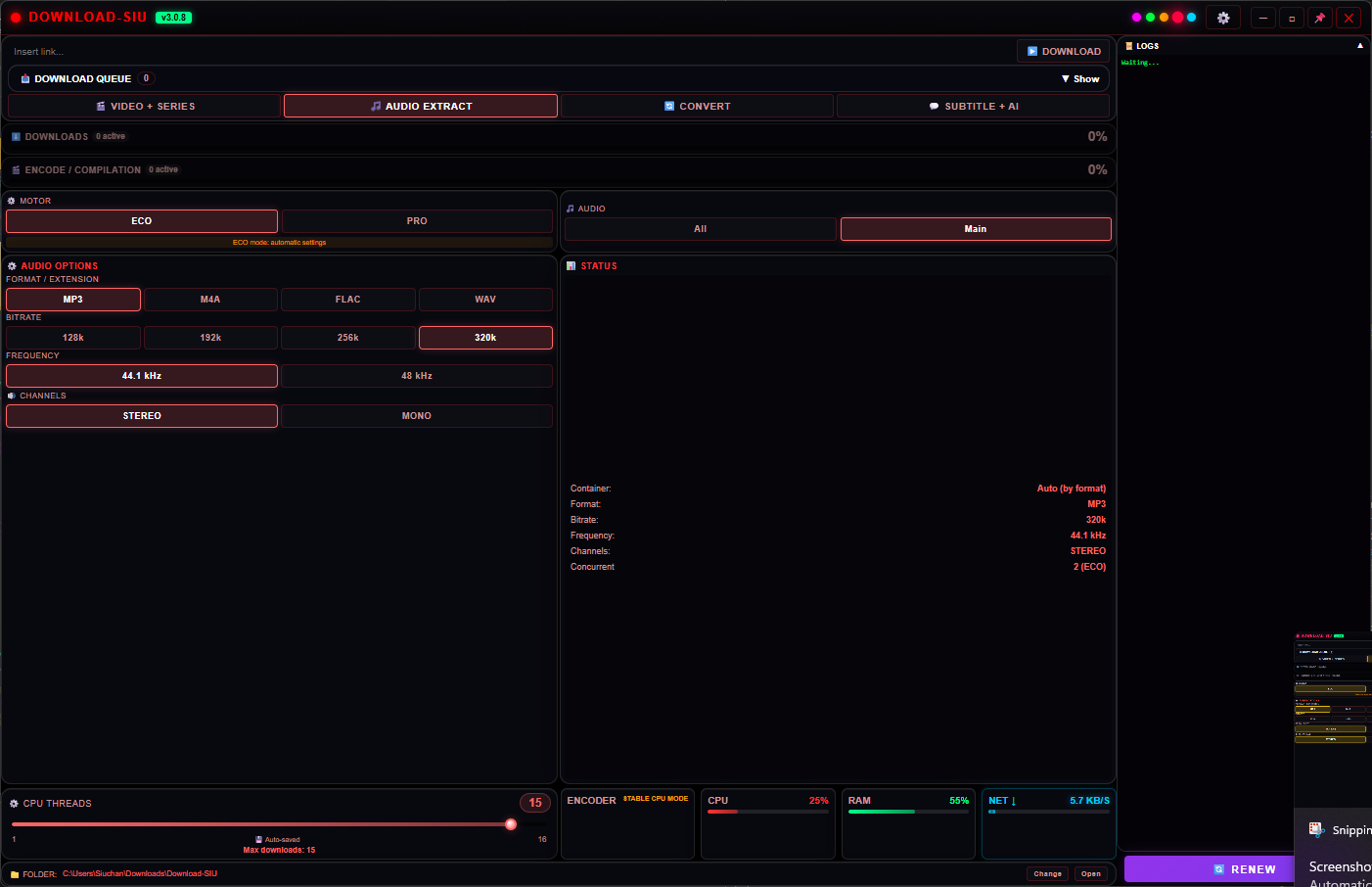
Sensible defaults if you just want the file, full control if you care about the exact result.
MP3 and M4A at 128 / 192 / 256 / 320 kbps for everyday listening and smaller files; FLAC and WAV when you need the exact source quality with nothing thrown away.
Match a podcast, a music library or a voice-only recording without re-processing it somewhere else afterward.
ECO picks sensible defaults for you; PRO unlocks the full set of options above. Switch per file, any time before it starts.
Audio Extract works the same way whether the source is a link you're downloading or a video already sitting on your drive. Queue several at once, watch live CPU/RAM/network use while they run, and find every finished file in one folder — same place as your videos, or wherever you choose.
Pick a theme once in Options and every tab, including Audio Extract, follows.
Audio Extract isn't a separate purchase — it's one of the tabs inside Download SIU, alongside the downloader, Convert and Subtitle+AI. Start the 5-day trial right inside the app, or pick a plan.
Windows 10 & 11 · extracts entirely on your PC · your files never leave your PC