Paste a link and Download-SIU saves the video or audio for you — in up to
4K, from virtually any website, with a built-in browser that
detects the video for you. When a site won't let your phone grab it directly,
the app can send the link to your PC to capture it at full quality. No ads,
no clutter.
One license also unlocks the PC app
Free trial, one per device
Saved straight to your device
Up to 4KVideo · AudioSend to PC
4K readyPaste any linkBuilt-in detectorLossless audioBatch downloadsSend to PCPrivate libraryClean metadataQR pairingBuilt-in playerAuto-updatesKeeps your licenseNo ads4K readyPaste any linkBuilt-in detectorLossless audioBatch downloadsSend to PCPrivate libraryClean metadataQR pairingBuilt-in playerAuto-updatesKeeps your licenseNo ads
4K
Max resolution
7
Parallel downloads
MP3
to FLAC / WAV audio
0
Ads or trackers
24/7
Support
What it does
Everything you need to save a video — in one app
Paste a link or find it with the built-in browser, choose the quality, and let
Download-SIU do the rest. It handles video and audio, single files or whole collections, and
keeps everything organised in a private library on your phone.
Universal paste
One box for every link
Copy a link, open Download-SIU, and it's already there waiting — no logos, no platform
pickers, no clutter. It reads the page, finds the streams and offers you every resolution
and format available, from a quick clip to a 4K file. Paste several links at once for a
batch, or a collection to grab it all in one go.
Auto-detects a link the moment you copy it
Every resolution up to 4K, plus audio-only
Batch & collection downloads in one tap
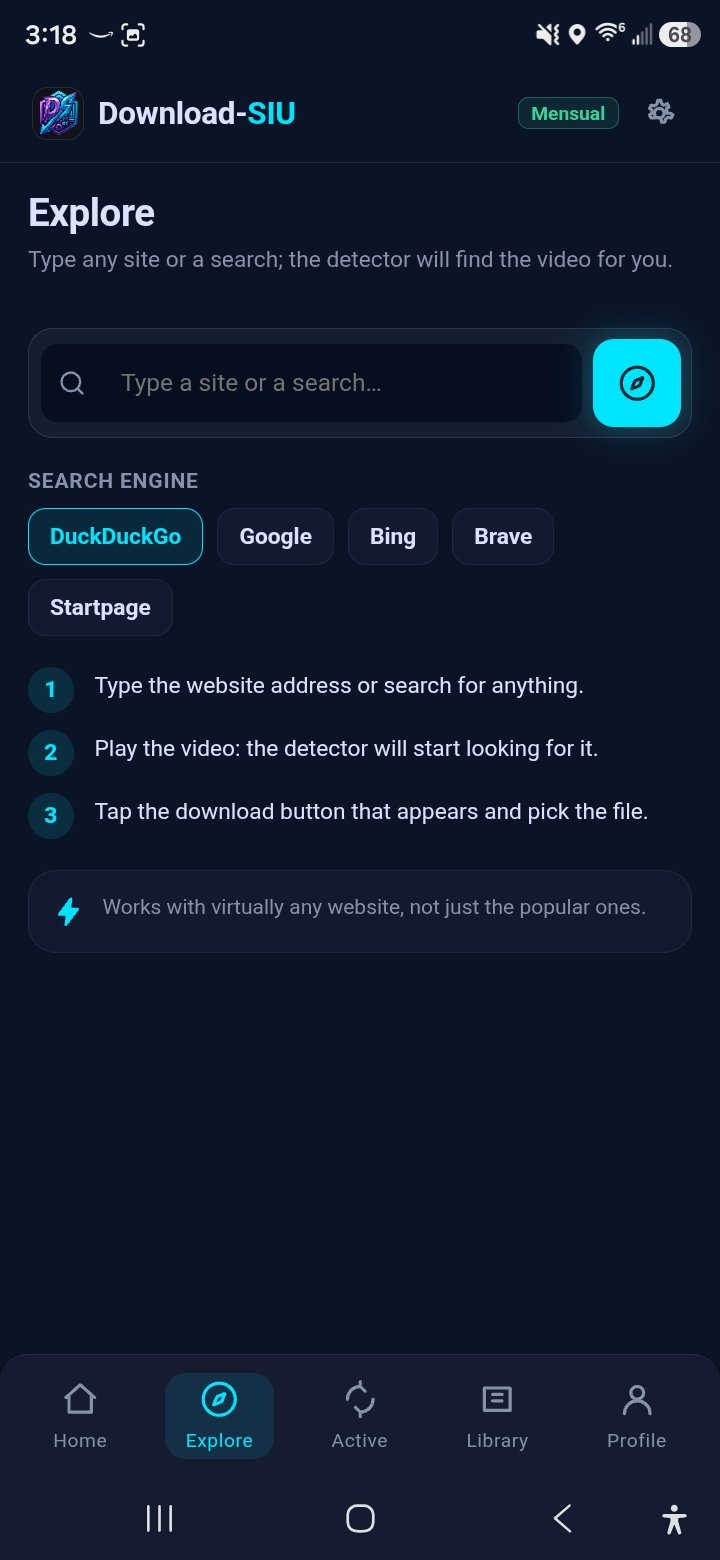
Explore
A browser that finds the video
Open any website inside the app and just play the video. A background detector sniffs out
the real media stream and a Download button appears — works with virtually any site, not
only the popular ones. Pick your search engine and your history stays on the device.
Audio
Just the sound, done right
Extract audio to MP3, M4A, FLAC or WAV, choosing the bitrate yourself. Perfect for music,
podcasts or lectures — with the cover art kept when it's available.
Send to PC
When a phone can't, your PC can
There's one hugely popular video platform we won't name here, for privacy-policy reasons.
If it blocks a direct download on your phone, Download-SIU doesn't just fail — it offers to
send the link to your PC app, which fetches it at full quality with the exact
settings you choose (resolution, FPS, format, audio). The download runs on the computer with
its full engine, and your phone shows you when it's done. The same bridge works for any heavy
capture you'd rather hand to the PC.
Pick quality, FPS, format and audio — or one-tap "Eco" defaults
Pair once by code or QR; both apps share one license
Your phone tracks progress and notifies you on completion
See it running
Clean, fast, made for your thumb
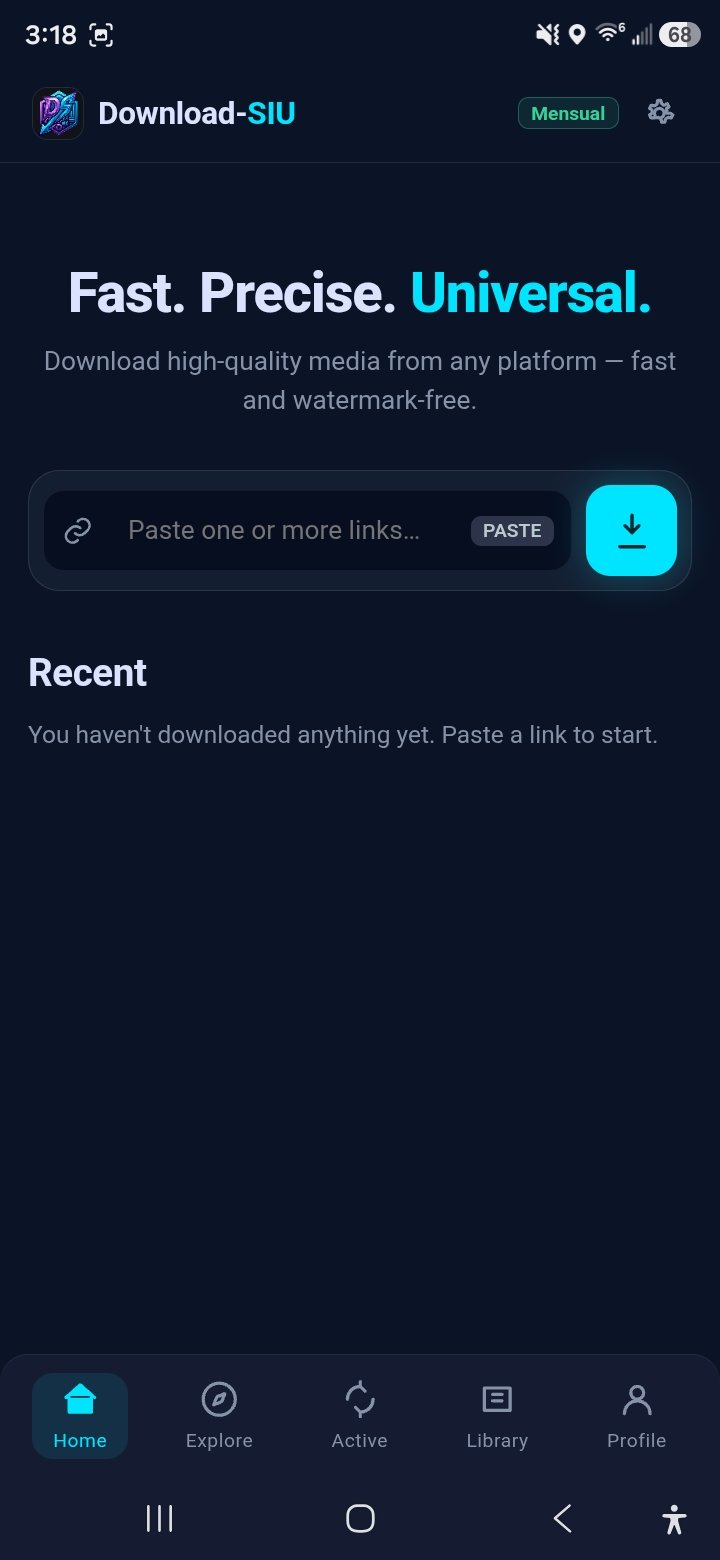
Every screen, one flow: paste, explore, download, watch and manage — all in a
dark glass interface built for one-handed use.
Home
Paste one or more links and start. Recent downloads sit one tap away.
Explore
Open any site, play the video, and the detector finds it for you.
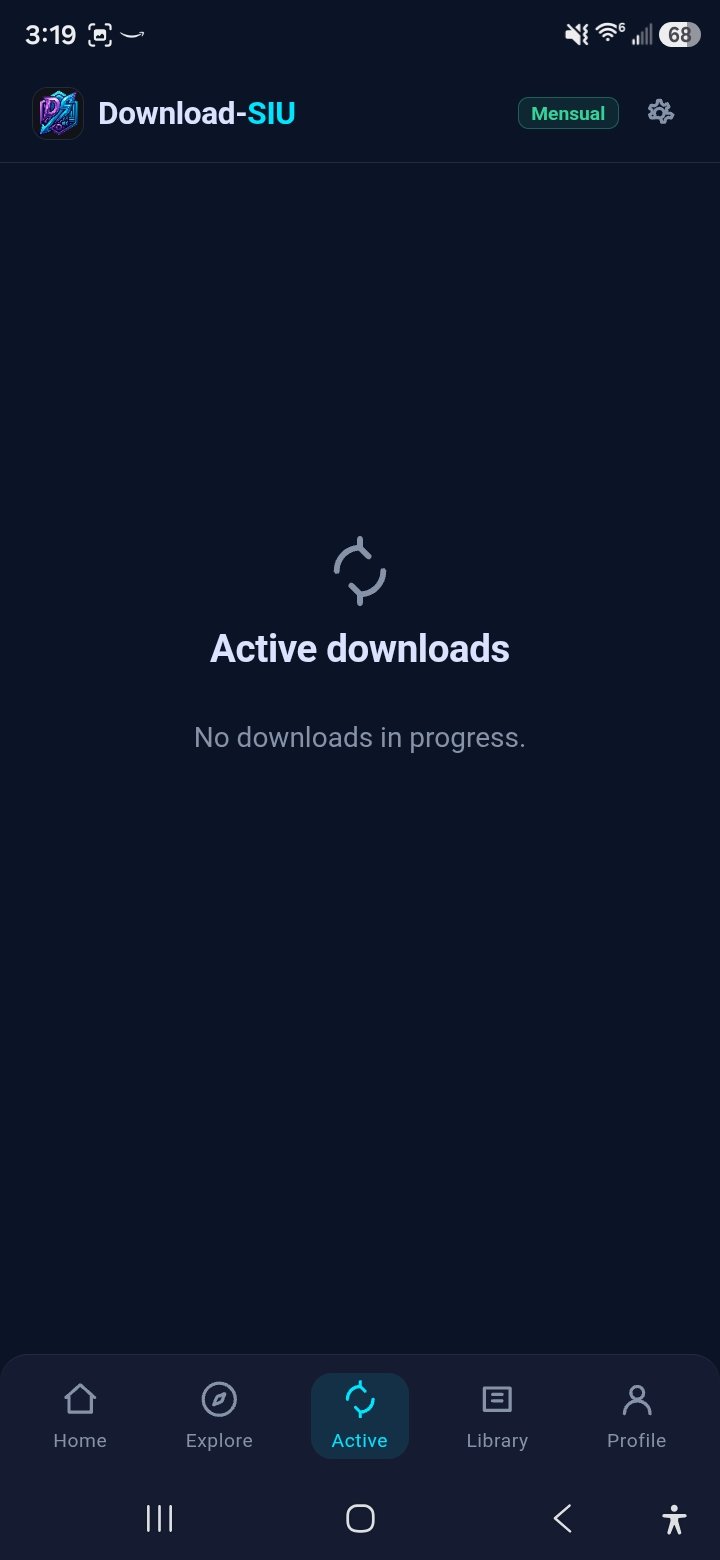
Active
Watch every download in progress, with configurable parallel threads.
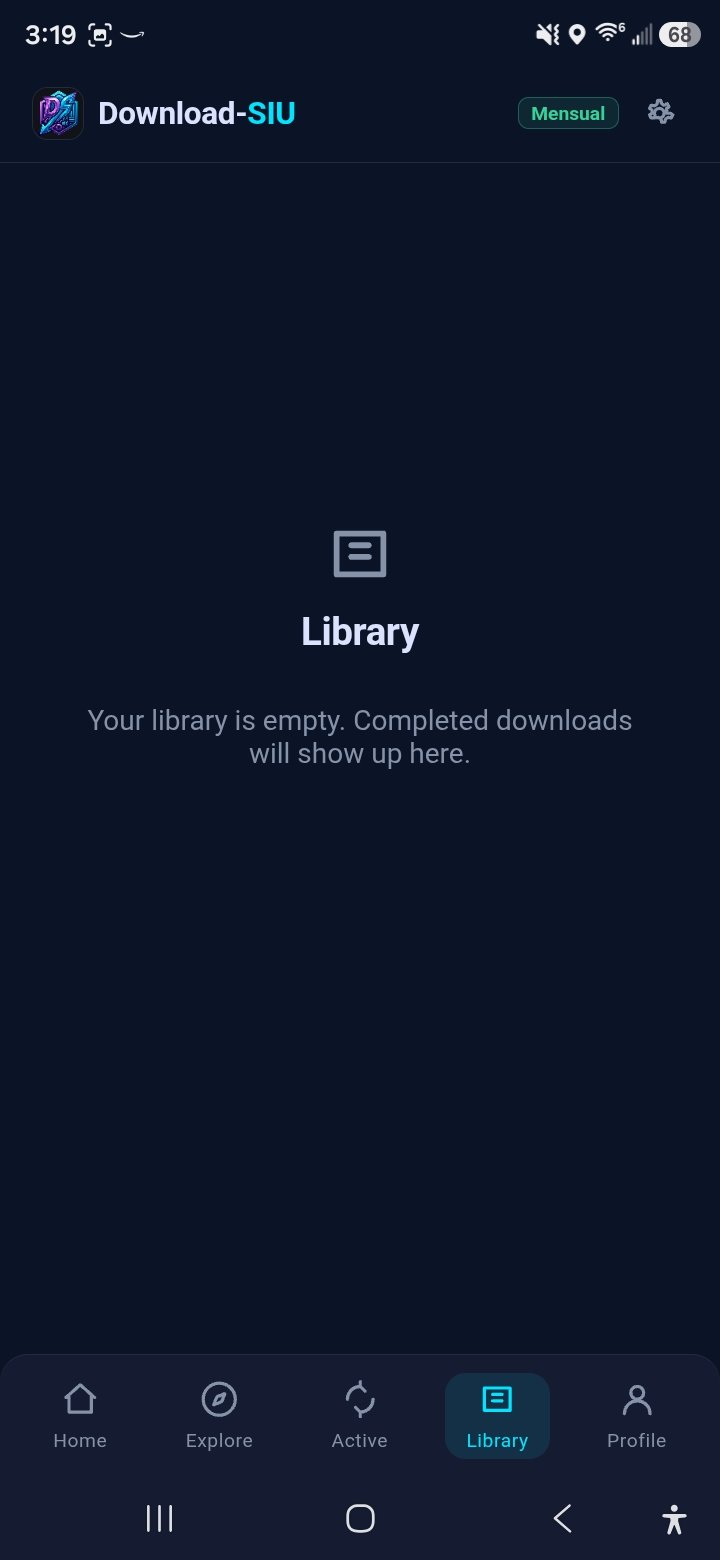
Library
Everything you've saved, in a private library with a built-in player.
Profile & license
Your plan, language and PC pairing — link by code or QR code.
Settings
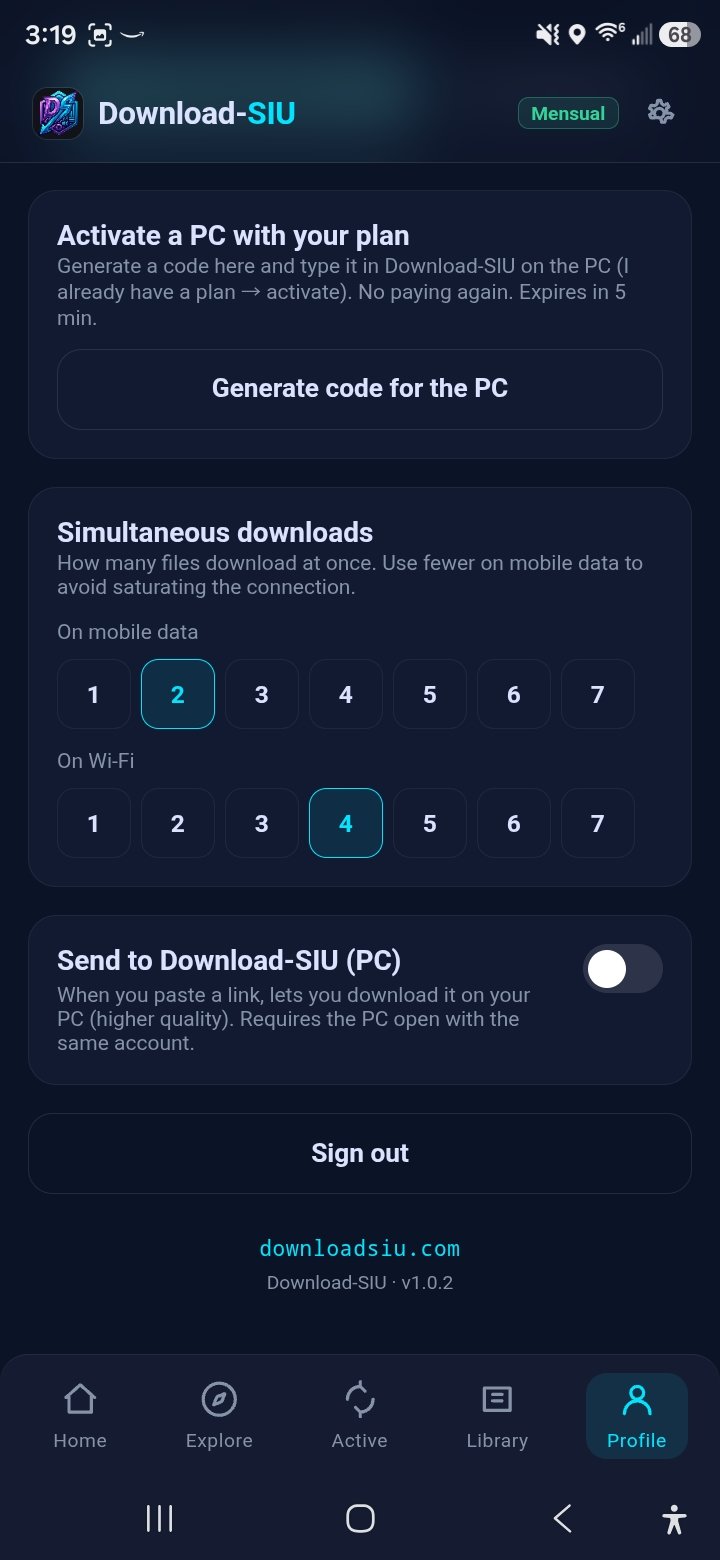
Activate a PC with your plan, set parallel-download limits and send-to-PC.
Under the hood
Small app, serious engine
Queue & threads
Download several at once
Set how many files download in parallel — fewer on mobile data to protect your connection,
more on Wi-Fi for speed. The queue keeps going while you browse, and a badge shows what's
still running.
Clean metadata
Strip the tags you don't want
Turn on a single switch and your downloads come out without embedded title, author or
comment metadata — off by default, and it only stays on if you choose it. Applies to the
captures that pass through the app's processing and to anything handed to the PC.
Pairing
Link your phone and PC in seconds
Scan a QR or type a short code to unify your license across mobile and desktop. Activate a
PC with your existing plan without paying again — the phone generates a code that the PC app
redeems.
Auto-updates
Always the latest build
The app checks for new versions on its own and installs them with a couple of taps — no
store account needed. Sites change constantly; staying current keeps downloads working.
New
Reinstall without losing your license
Change phones, clear the app or reinstall it, and Download-SIU picks your activation back up
on its own — no QR to scan again and no code to re-enter. Your license simply comes back the
next time you open the app, so you're never locked out of something you already paid for.
One license, every device
Your SIU license already works here
Download-SIU on Android and Download-SIU on your PC share the same activation. Pair them once
and the license follows your account — no second purchase, no second setup. New here? Start
the free trial right inside the app, or pick a plan.