Convert anything, skip the re-encode when you can.
MP4, MKV, MOV, AVI, WMV, FLV, WEBM for video · MP3, WAV, FLAC, M4A, OGG for audio.
GPU acceleration (NVENC / QSV / AMF) picks itself automatically, and when
a file already matches your target format, Convert remuxes it instantly
instead of re-encoding from scratch. Everything runs on your own PC — nothing
you convert is ever uploaded.
Only re-encodes when there's actually something to change
A lot of converters re-encode every file, every time — even when the source
already matches what you asked for. Convert checks first.
Instant remux
Same codec, different container? Done in seconds
If the source video/audio already matches your target codec and only the container needs
to change (say, MKV to MP4), Convert copies the streams as-is instead of decoding and
re-encoding — a multi-minute job becomes a few seconds, with zero quality loss.
Detected automatically per file, no toggle to remember
Falls back to a normal encode the moment it's actually needed
Works for both video and audio-only conversions
GPU acceleration
Your graphics card does the encoding
NVIDIA NVENC, Intel Quick Sync or AMD AMF — whichever your PC has, detected and offered
automatically. Encoding moves off the CPU, so the rest of your machine stays responsive
while a batch runs.
Batch queue
Convert a folder, not one file at a time
Drop in as many files as you want; set how many run at once and how many CPU threads
each gets. Every file remembers its own settings — change what a new file gets converted
to without touching the ones already running.
Full control, when you want it
Codec, resolution, bitrate, quality — or just pick a format and go
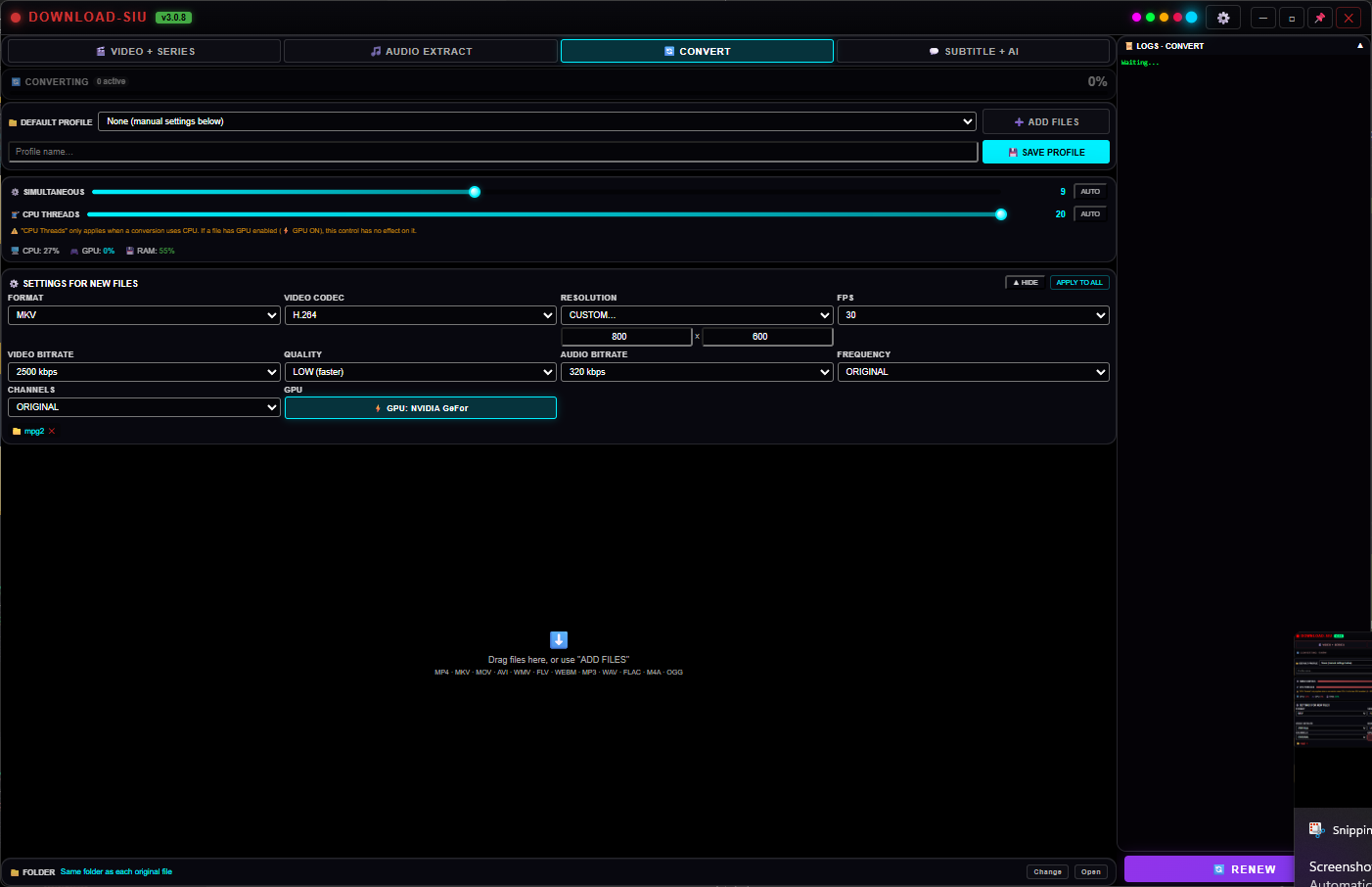
Choose a container (MKV, MP4...) and codec, custom resolution and FPS, video/audio bitrate,
audio frequency and channels, and an encoding quality preset. Save any combination as a
named profile to reuse later with one click, or leave it on defaults and
just drop files in — Convert applies your last settings to everything new automatically.
Saved profiles, switch between them from a dropdown
Once a file starts converting, its settings lock — no accidental mid-job changes
Optional volume normalization for audio tracks
Voice / music separation
Split a track into voice and instrumental
Pull the vocals out of a song, keep only the instrumental, or mute a video's original audio
entirely — driven by a free local AI engine that runs on your PC, downloaded
once on demand. Want it faster or higher quality? Optionally connect your own
account with a cloud provider instead — your key is encrypted and stays only
on your PC, we never see it, and it's entirely optional.
Keep voice, keep music, or keep both as separate files
Recombine voice, music and video independently afterward
Same free-by-default, bring-your-own-key-if-you-want pattern as Subtitle + AI
Fit any size limit
Squeeze a video under Discord, WhatsApp or email's limit
Pick a target size — or a one-tap preset for Discord, WhatsApp or an email attachment — and
Convert works out the bitrate needed to land just under it from the file's real length, then
encodes it in one pass. No trial and error, no re-exporting three times to guess a bitrate.
Presets for common limits, or type your own size in MB
Keeps quality as high as the chosen size allows
A small safety margin so it never overshoots the limit
Merge clips
Stitch several clips into one file
Add multiple videos and export them as a single continuous file — perfect for joining the
parts or episodes you just downloaded into one video, in the order you choose.
Keeps your chosen order, top to bottom
One clean output file, ready to play or share
Runs locally like everything else — nothing uploaded
See it running
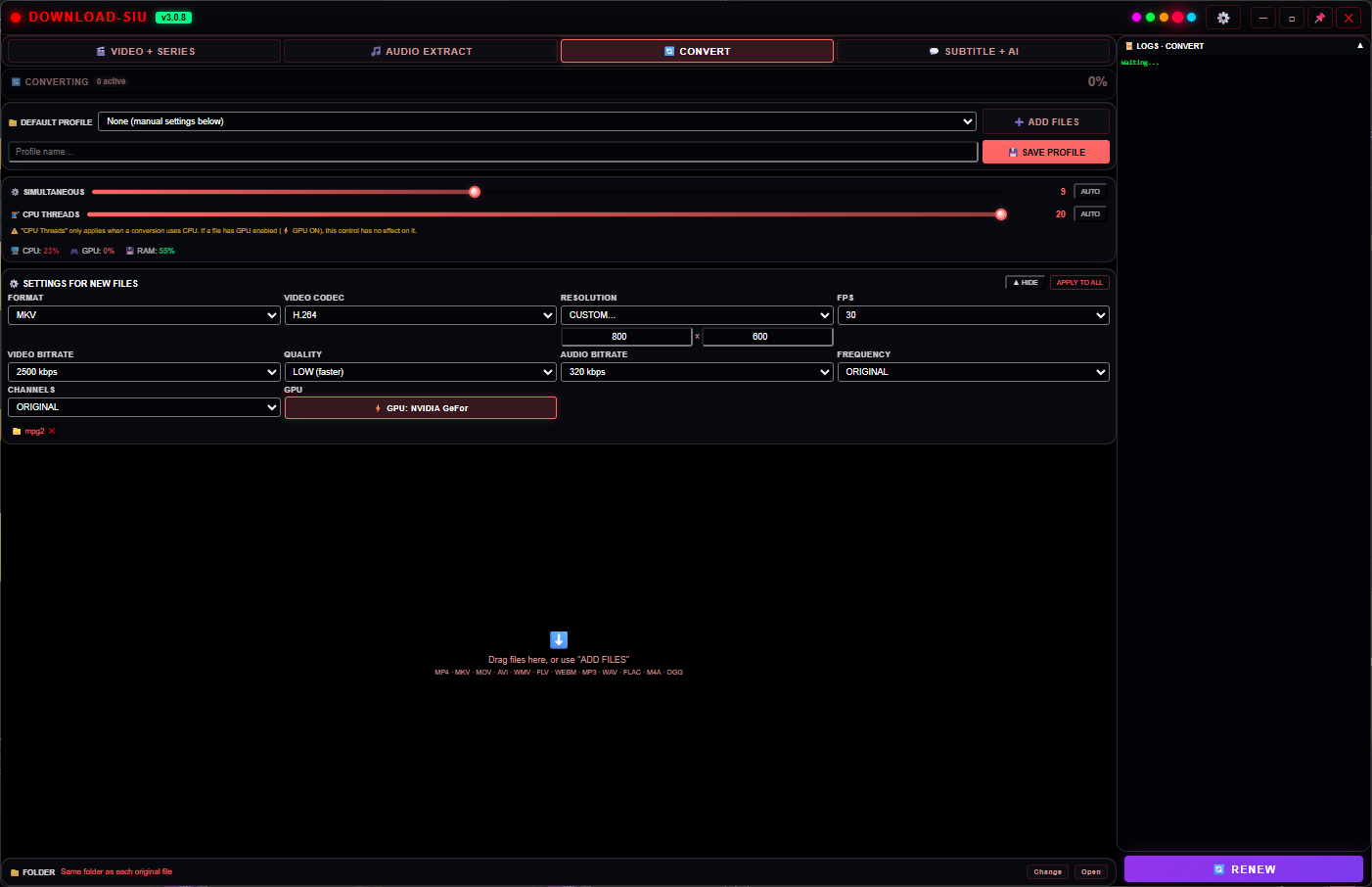
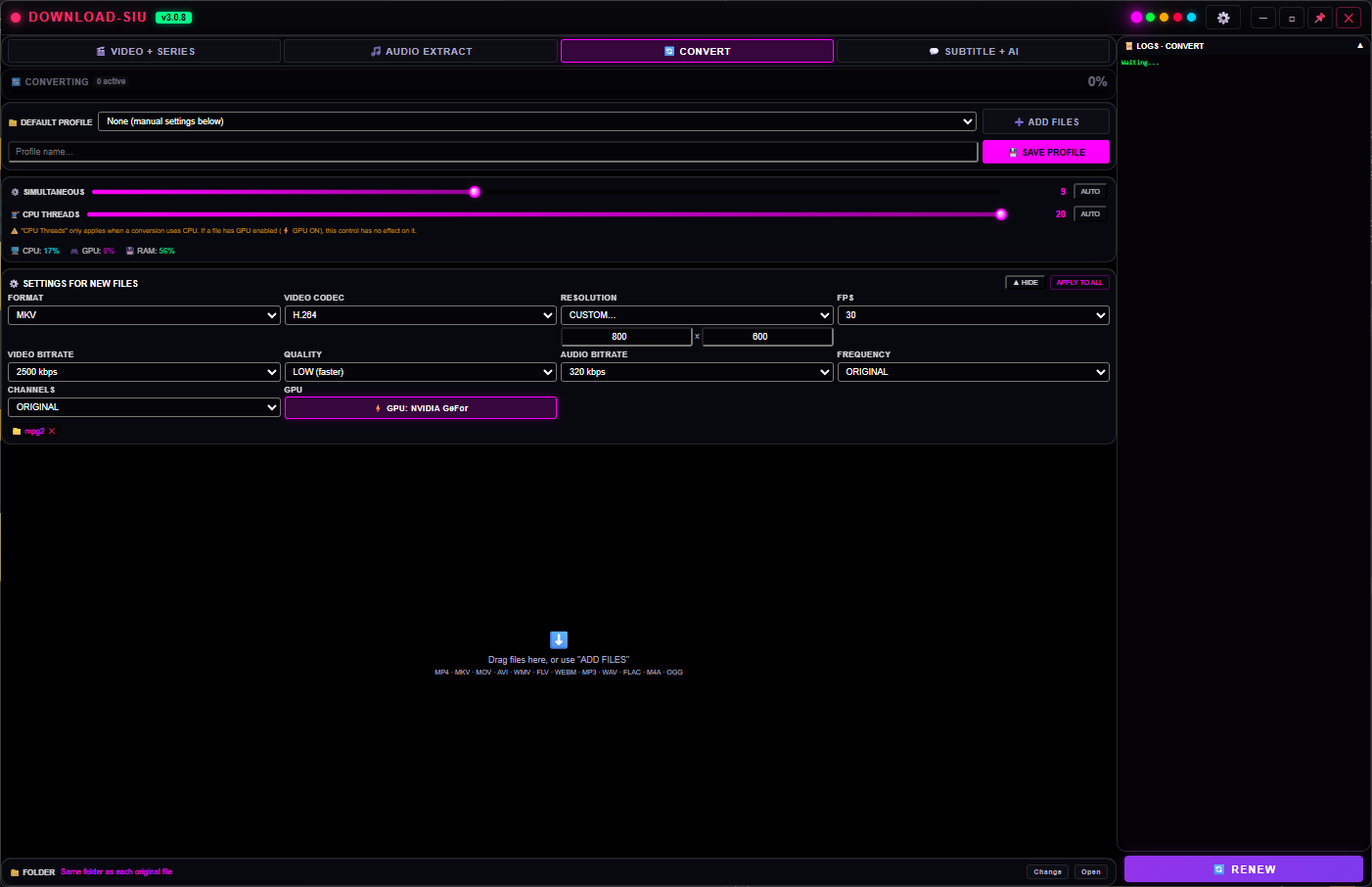
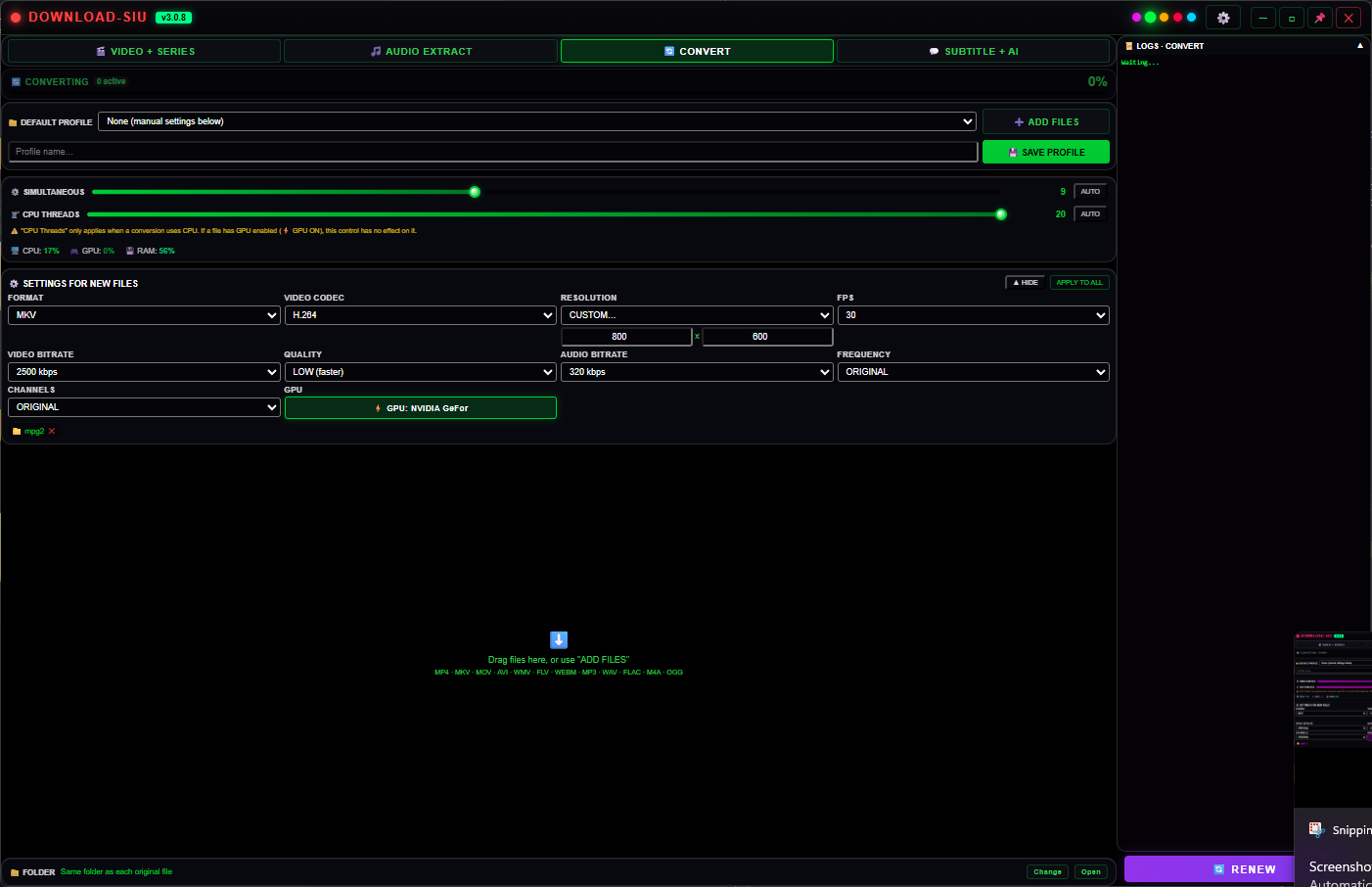
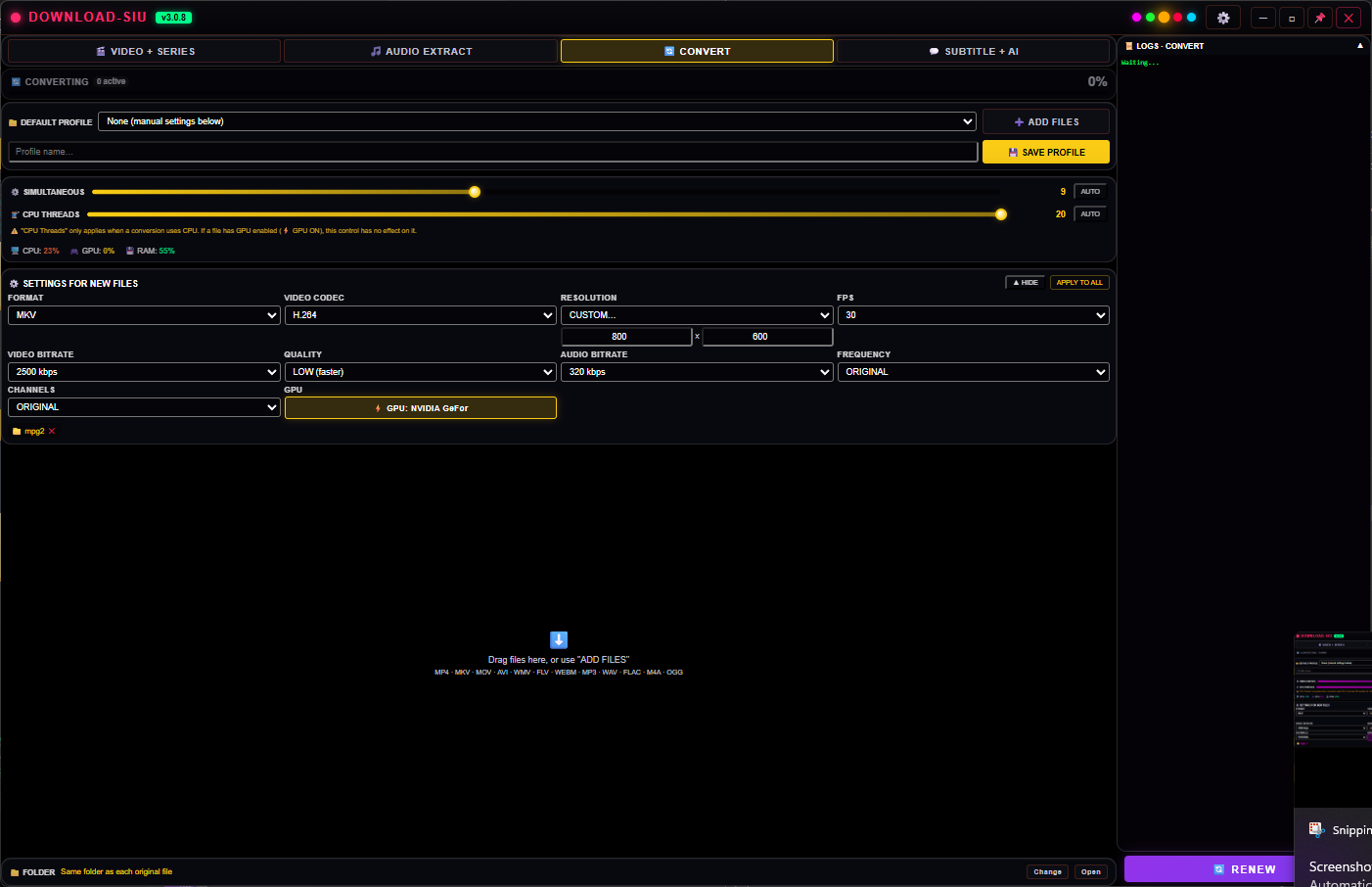
Five themes. Same tab.
Convert looks like the rest of Download SIU — pick a theme once in Options and
every tab, including this one, follows.
Cyan
Green
Gold
Violet
Crimson
Included with Download SIU
One app, one license, every tab
Convert isn't a separate purchase — it's one of the tabs inside Download SIU, alongside the
downloader, Audio Extract and Subtitle+AI. Start the 5-day trial right inside the app, or
pick a plan.